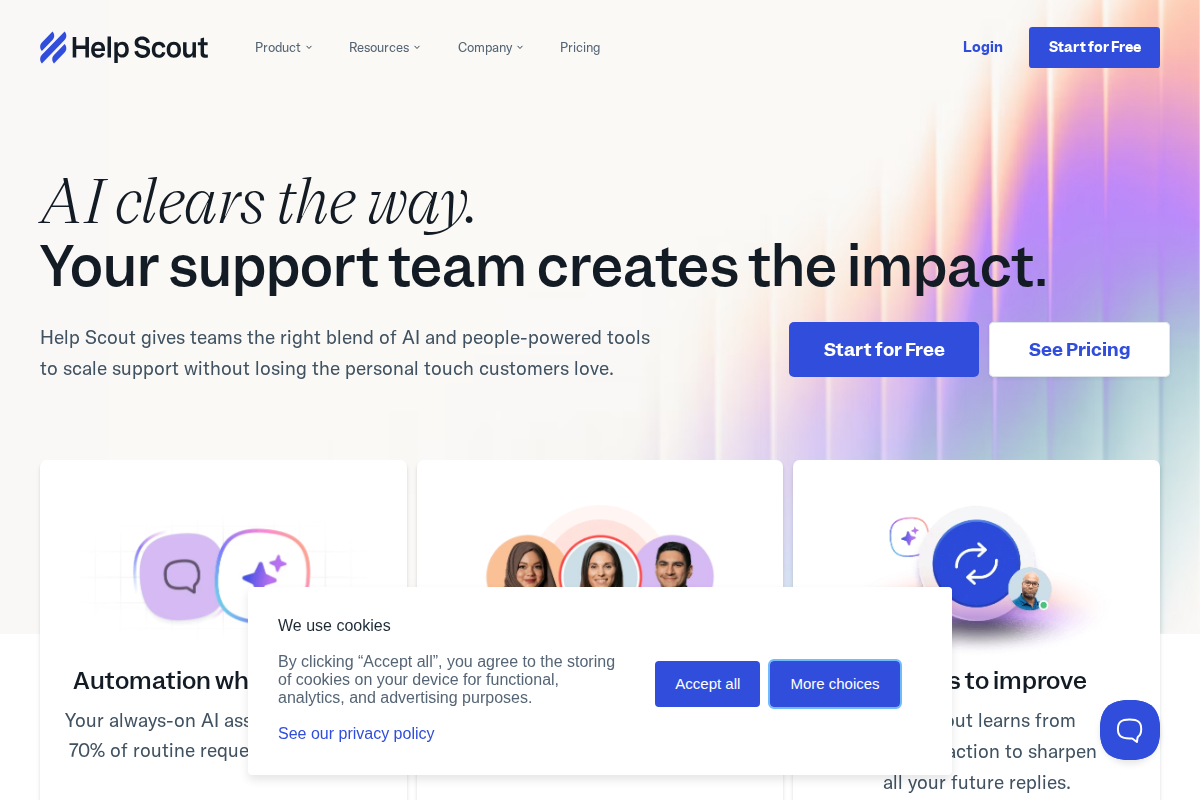
Help Scout positions itself as the "customer support platform for growing businesses". It is email-first, simple, and human. But its pricing structure has evolved significantly, especially with recent AI additions. This guide breaks down exactly what you'll pay and whether it delivers value.
Plans at a Glance
| Plan | Monthly Price | Annual Price | Best For |
|---|---|---|---|
| Free | $0 | $0 | Teams testing the platform |
| Standard | $55/user | $44/user | Small teams needing core features |
| Plus | $83/user | $66/user | Growing teams with automation needs |
| Pro | $135/user | $108/user | Large teams requiring advanced tools |
Key difference: Unlike competitors, Help Scout offers a genuine free tier, though it's limited to basic functionality.
Free Plan: $0
Help Scout's free tier lets teams test the platform without commitment:
What's included:
- 1 mailbox
- 1 knowledge base (Docs site)
- Up to 10 users
- Beacon chat widget (limited)
- Basic reporting
- 30-day conversation history
Critical limitations:
- No automation rules
- No AI features
- No integrations beyond basic email
- No custom branding
- Limited to 10 users maximum
Who should use: Teams evaluating Help Scout or micro-businesses with minimal support needs (under 50 conversations monthly).
When to upgrade: When you need automation, multiple mailboxes, or exceed 10 users.
Standard Plan: $55/User ($44 Annual)
The real starting point for most teams:
What's included:
- 5 mailboxes
- Unlimited users (within purchased seats)
- 1 knowledge base
- Beacon with live chat
- Basic automation rules (5 per user)
- 50+ integrations
- Standard API access
- Custom branding
Key features unlocked:
- Saved replies (canned responses)
- Basic workflows
- Customer profiles
- Satisfaction ratings
- Mobile apps (iOS/Android)
- Priority email support
Real-world cost: 3-agent team pays $165/month ($132 annual). Compare to Zendesk's $165/month or Freshdesk's $45/month for similar functionality.
Best for: Small teams (3-10 agents) with straightforward email support needs and moderate volume (under 1,000 conversations monthly).
Plus Plan: $83/User ($66 Annual)
Help Scout's most popular tier adds automation and AI:
Everything in Standard, plus:
- Unlimited mailboxes
- 2 knowledge bases
- Advanced automation (25+ rules per user)
- AI Answers (usage-based, see below)
- Advanced reporting
- Salesforce integration
- Jira integration
- Custom fields
- API rate limits increased
AI Answers pricing (add-on): AI isn't included. It's usage-based:
- $0.50 per AI resolution
- Typical teams pay $50-200/month additional
- Charged separately from base plan
Real-world cost example: 5-agent team:
- Base Plus: $415/month
- AI Answers: ~$150/month
- Total: ~$565/month
Best for: Growing teams (10-25 agents) needing automation, multiple brands/sites, and moderate AI usage.
Implementation and Setup Costs
Getting started with Help Scout is straightforward compared to enterprise alternatives. Most teams complete basic setup within 1-2 days, not weeks. The process involves creating your account, configuring mailboxes, importing existing customer data, and training your team.
Data migration from other platforms is relatively painless. Help Scout offers built-in import tools for Gmail, Outlook, and other email systems. For teams switching from Zendesk or Freshdesk, you'll need to export tickets as CSV files and import them manually. This process typically takes 4-8 hours depending on data volume.
The knowledge base migration requires manual work. You'll need to recreate articles in Help Scout's Docs editor. While this takes time, it also gives you an opportunity to refresh outdated content. Plan for 1-2 hours per 10 articles during migration.
Training requirements are minimal. Help Scout's interface is designed for simplicity, and most agents become productive within a few hours. The company provides free video tutorials, documentation, and weekly webinars. For larger teams, you might want to create internal documentation specific to your workflows.
Hidden Costs to Consider
Beyond the subscription fees, several factors affect your total cost of ownership. The AI Answers add-on can add $50-200 monthly depending on volume. While Help Scout includes basic automation, you may need Zapier ($20-50/month) for complex integrations with other tools.
Phone support requires third-party integration. Help Scout doesn't include native phone calling, so you'll need to budget for Aircall, RingCentral, or similar services ($15-50/agent/month). This can significantly increase costs if voice support is essential.
Custom development may be necessary for unique requirements. While Help Scout's API is well-documented, building custom integrations requires developer time. Factor in $2,000-5,000 for complex customizations if your needs exceed standard integrations.
Migration from Other Platforms
Switching to Help Scout from competitors is generally easier than migrating between enterprise tools. The platform's focus on email-first support means less complex configuration than omnichannel alternatives.
From Gmail or Outlook: Migration is straightforward using Help Scout's import tools. You'll maintain your existing email addresses while gaining ticket management features. Most teams complete this transition in under a day.
From Zendesk: Export tickets, contacts, and knowledge base articles as CSV files. Rebuild automations and workflows manually in Help Scout. Plan for 1-2 weeks of parallel operation where both systems run simultaneously.
From Freshdesk: Similar to Zendesk migration, though Freshdesk's simpler structure makes the transition easier. Custom fields and automation rules need manual recreation. Most teams complete the switch in 5-10 business days.
Pro Plan: $135/User ($108 Annual)
Enterprise-grade features for large teams:
Everything in Plus, plus:
- Unlimited knowledge bases
- Advanced AI features (higher usage limits)
- Custom user roles and permissions
- SAML single sign-on (SSO)
- IP restrictions
- Dedicated account manager
- Custom onboarding
- 99.99% uptime SLA
- Advanced security features
AI at Pro: Higher usage tiers included, but significant overages still possible:
- 1,000 AI resolutions included
- $0.40 per resolution over limit
Best for: Large teams (25+ agents), enterprises, or organizations with strict security/compliance requirements.
AI Answers: The Hidden Cost
Help Scout's AI features aren't fully included. They're usage-based across all plans:
| Plan | Included AI Resolutions | Overage Cost | Typical Monthly AI Cost |
|---|---|---|---|
| Free | 0 | N/A (not available) | $0 |
| Standard | 0 | $0.50 each | Not available |
| Plus | 0 | $0.50 each | $50-300 |
| Pro | 1,000 | $0.40 each | $100-500 |
What counts as a resolution:
- Customer question answered by AI without agent
- Suggested response accepted by agent
- Knowledge base article recommended and viewed
Cost control: Help Scout allows setting monthly AI spending caps to prevent surprise bills.
Add-Ons and Extras
Beyond base pricing, several features cost extra:
Additional Knowledge Bases
- Standard: 1 included, $20/month each additional
- Plus: 2 included, $20/month each additional
- Pro: Unlimited included
Advanced Analytics
- Plus and Pro only
- Conversation trends
- Team performance metrics
- Customer satisfaction tracking
HIPAA Compliance
- Pro plan required
- BAA (Business Associate Agreement) available
- Additional security controls
Priority Phone Support
- Standard: Email only
- Plus: Priority email
- Pro: Phone support included
Cost Comparison: Help Scout vs Alternatives
| Tool | 5-Agent Team | 15-Agent Team | 30-Agent Team |
|---|---|---|---|
| Help Scout Plus | $415-565/month | $1,245-1,700/month | $2,490-3,400/month |
| Zendesk Professional | $495/month | $1,485/month | $2,970/month |
| Freshdesk Pro | $225/month | $675/month | $1,350/month |
| HubSpot Service Hub | $450/month | $1,350/month | $2,700/month |
Help Scout sits in the middle. It's cheaper than Zendesk, more expensive than Freshdesk, and comparable to HubSpot.
When Help Scout Pricing Makes Sense
Choose Help Scout when:
- Email is your primary support channel
- You value simplicity over feature depth
- Your team is 5-50 agents
- You need shared inbox functionality
- Clean, modern UI matters to your team
- You're willing to pay premium for ease of use
Avoid Help Scout when:
- Budget is tight (Freshdesk offers similar features cheaper)
- You need omnichannel (phone, social) included
- AI is essential (usage costs add up fast)
- You require extensive customization
- Phone support is non-negotiable (requires Pro)
Getting the Best Deal
Annual billing: Save 20% by paying yearly. This is significant at scale.
Nonprofit discount: Help Scout offers 50% off for verified nonprofits.
Startup program: Discounts available through certain accelerators and incubators.
Bundle with other tools: Some integrations (Salesforce, HubSpot) offer joint pricing. Ask your rep.
Value Assessment: Is It Worth It?
Help Scout delivers value when:
- Team productivity gains justify per-agent cost
- Reduced training time (simple UI) saves money
- Fast setup gets you live quicker than competitors
- Customer satisfaction improvements are measurable
Help Scout doesn't deliver value when:
- You're using <30% of features
- Free alternatives (Freshdesk free tier) suffice
- AI costs balloon unexpectedly
- Your team outgrows the simple approach
Migration and Setup Costs
Moving to Help Scout involves more than subscription fees:
One-time migration costs:
- Data migration: $500-1,500 (Help Scout offers free migration for 10+ seats)
- Training time: 8-16 hours per agent (Help Scout's simplicity reduces this)
- Workflow redesign: 20-40 hours (taking advantage of Help Scout's features)
Setup advantages:
- Most teams operational in 1-3 days
- No complex configuration required
- Pre-built email templates
- Knowledge base import tools
Ongoing training: Minimal. Help Scout's interface is intuitive enough that new agents rarely need formal training.
International Pricing Considerations
Help Scout charges in USD globally, creating exchange rate exposure:
- EUR customers: Add 5-10% for conversion fees
- GBP customers: Similar conversion costs
- Annual billing: Locks in exchange rate for 12 months
No regional pricing: Help Scout uses the same rates worldwide, unlike some competitors offering lower rates in developing markets.
Frequently Asked Questions
Can I mix plans on one account?
No. All users must be on the same plan tier. You cannot have some agents on Standard and others on Plus.
What happens when I add users mid-month?
Help Scout prorates the charge. Add a user on the 15th, pay half the monthly rate.
Is there a free trial beyond the Free plan?
Yes. 15-day free trials available for Standard, Plus, and Pro plans with full feature access.
Can I downgrade if I overestimated needs?
Yes. Downgrades take effect at the next billing cycle. Annual plan downgrades receive prorated credits.
Does Help Scout offer refunds?
Monthly plans: No refunds, but you can cancel anytime. Annual plans: Prorated refunds available within 30 days.
How does the free plan compare to paid?
The free plan is actually usable for micro-teams but lacks automation, integrations, and reporting. Most teams outgrow it within 3-6 months.
Is AI Answers included in any plan?
No. AI is strictly usage-based across all tiers, including Pro. Budget $50-300/month additional for typical usage.
The Bottom Line
Help Scout pricing reflects its positioning: premium simplicity. At $55-135 per user plus AI costs, it's not the cheapest option, but teams valuing clean design and email-first workflows find the premium worthwhile.
For a 10-agent team on Plus with moderate AI usage, expect $800-1,000/month total. That's $300-400 more than Freshdesk but $200-400 less than Zendesk for comparable functionality.
The free tier and 20% annual discount make Help Scout accessible to try, but budget-conscious teams should calculate AI costs carefully. Unexpected usage can double your bill.
Best value sweet spot: Plus plan with annual billing for teams of 5-20 agents who need automation but don't require enterprise features. The per-agent model becomes expensive beyond 25 agents. Consider Zendesk or Freshdesk for larger teams.
Final recommendation: Start with the free plan if you're under 10 users, or the 15-day Plus trial if you need automation. Test AI Answers with a spending cap to understand real costs before committing. The 20% annual discount is substantial. Calculate your 12-month costs before deciding on monthly vs annual billing.

Erika A.
Pricing & Comparison SpecialistErika breaks down SaaS pricing tiers, hidden fees, and value-for-money across helpdesk and customer support tools at AgentWhispers. Her comparison frameworks help teams make informed purchasing decisions.