SaaS churn rates average around 5% annually, and for early-stage companies still finding product-market fit, the number climbs to 6-7%. Every percentage point of churn you prevent translates directly into retained monthly recurring revenue. Customer support is one of the few levers that affects churn at every stage of the customer lifecycle, from onboarding through renewal.
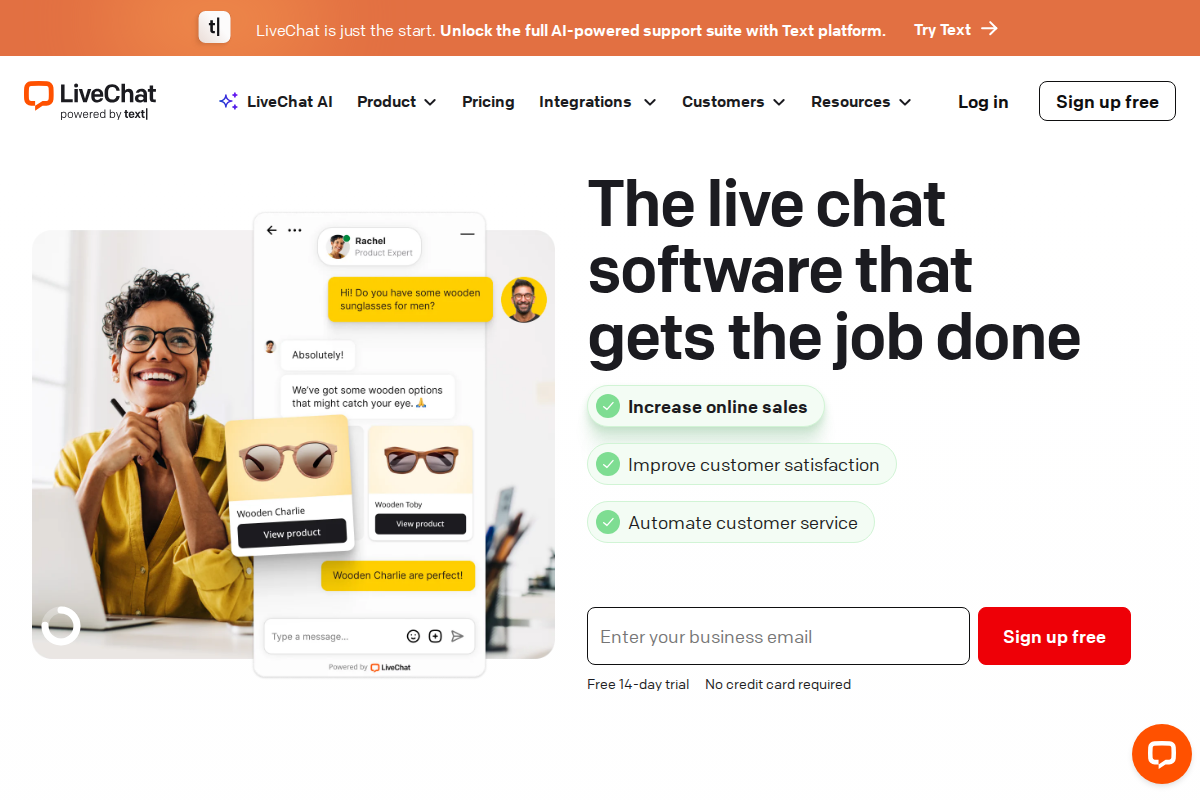
LiveChat is a real-time messaging platform used by over 37,000 companies for sales and support conversations. It has carved out a specific niche as a fast, focused chat tool rather than trying to be an all-in-one helpdesk. But does that focused approach work for SaaS teams who need to handle everything from trial user questions to enterprise technical escalations?
In this guide, we break down exactly how LiveChat handles the specific challenges SaaS teams face, what it actually costs at different team sizes, and where it falls short. If you are still early in your evaluation, our helpdesk recommendation quiz can point you toward the right category of tool based on your team size and priorities.
Why SaaS Teams Have Different Support Needs
Supporting a SaaS product is fundamentally different from supporting a retail store or a service business. The challenges are tied to the subscription model itself.
Your users interact with your product daily, which means support requests tend to be more technical and more frequent than in other industries. A confused trial user who cannot figure out your core workflow during their first week will churn before you ever get the chance to prove value. An enterprise customer hitting an API bug on a Friday afternoon needs a response in minutes, not hours.
SaaS support teams typically deal with onboarding new users at scale, handling technical troubleshooting that often involves screenshots and log files, intercepting users who are about to cancel, collecting feature requests that feed the product roadmap, and driving expansion revenue by helping existing users discover features they have not tried. A generic helpdesk can handle ticket routing and email queues, but SaaS teams benefit most from tools that enable real-time conversations right inside the product experience. That is where live chat becomes a specific advantage over email-first support.
How LiveChat Handles SaaS-Specific Workflows
Rather than listing features in isolation, here is how LiveChat maps to the workflows SaaS teams actually run day-to-day.
In-App Messaging and Onboarding. LiveChat's widget embeds directly into your web app, not just your marketing site. For SaaS companies, this matters because users need help inside the product, not after they have navigated to a separate support page. The proactive chat triggers can detect when a user has been idle on a setup page for a certain duration and automatically offer assistance. SaaS teams using proactive chat during onboarding commonly report faster time-to-value for new users, because confused trial users get help before they give up and leave.
AI Copilot for Agent Efficiency. LiveChat's AI Copilot is built into every pricing tier as of 2026. It provides reply suggestions drawn from your knowledge sources, generates chat summaries so agents picking up a transferred conversation do not need to re-read the entire transcript, and offers real-time sentiment analysis. For SaaS teams handling technical questions, the text enhancement tools (rephrasing, grammar correction, expanding shorthand notes into full responses) help agents respond faster without sacrificing clarity. This is especially useful for teams where support agents are also product specialists who think in shorthand.
Visitor Monitoring and Churn Intervention. LiveChat shows real-time visitor activity, including which pages users are browsing. For SaaS companies, this means your agents can see when a customer visits your cancellation page or pricing downgrade flow. Triggered chat invitations at these moments give your team a chance to address concerns before the customer actually cancels. If you integrate LiveChat with your billing platform, agents can offer retention incentives or schedule a call with the customer success team during that critical window.
File Sharing and Technical Escalation. SaaS support often requires users to share screenshots, error logs, or configuration files. LiveChat supports file sharing directly in the chat window, which eliminates the back-and-forth of asking users to email attachments separately. Combined with integrations for Jira and GitHub, agents can create development tickets directly from chat transcripts, attaching the relevant files and conversation context so engineering teams get everything they need without playing telephone.
Tagging and Feature Request Tracking. Every chat in LiveChat can be tagged by topic, which creates a searchable database of customer conversations. SaaS product teams use this data to identify recurring feature requests, common friction points, and emerging bug patterns. The AI-powered tag suggestions (available on Team plan and above) reduce the manual effort of categorizing conversations, which means your tagging actually stays consistent over time instead of degrading as agents get busy.
For a deeper look at every feature tier, including the differences between Starter, Team, and Business plans, see our full LiveChat review.
If you want to test these workflows with your own product, LiveChat offers a 14-day free trial with no credit card required. Most SaaS teams can have the widget installed and running their first conversations within 30 minutes.
Real SaaS Use Cases
Beyond the feature set, here is how SaaS teams actually use LiveChat in practice.
Trial-to-Paid Conversion. The gap between a user signing up for a free trial and becoming a paying customer is where most SaaS revenue is won or lost. LiveChat's proactive triggers can target trial users who have completed certain actions (or failed to complete them). An agent reaching out to a trial user who has not connected their first integration after three days is far more effective than a drip email that sits unread.
Account Expansion. When existing customers browse your pricing page or explore premium features, LiveChat's visitor monitoring flags the activity. Agents can proactively offer a quick demo of the feature the customer was looking at, share a relevant case study, or explain the pricing difference. This turns a passive browsing session into an expansion conversation without the pressure of a scheduled sales call.
Technical Support Triage. Not every support question needs a senior engineer. LiveChat's canned responses let agents handle common technical questions (password resets, API authentication errors, known bugs with workarounds) in seconds. The routing rules direct more complex issues to specialized agents or escalate to engineering through the Jira or GitHub integration. This tiered approach keeps your response times low across the board.
Post-Incident Communication. After a service disruption, SaaS teams often face a wave of support requests. LiveChat's automated greetings can acknowledge the issue proactively ("We are aware of the login issue and working on a fix. Estimated resolution: 30 minutes."), which reduces the volume of repetitive inquiries and lets agents focus on customers who need specific help.
Pros and Cons for SaaS Teams
What works well. LiveChat consistently earns praise for the speed and reliability of its chat experience. The widget loads fast, messages deliver instantly, and the agent interface is clean enough that new team members can start handling chats within hours. The 200+ integrations cover most SaaS tech stacks, including CRM systems like Salesforce and HubSpot, development tools like Jira, and analytics platforms. The AI Copilot features added across all plans in recent updates meaningfully reduce agent workload on repetitive conversations. G2 reviewers rate LiveChat 4.5 out of 5 across 750+ reviews, and Capterra users give it 4.6 out of 5 across 1,700+ reviews.
What does not work as well. LiveChat does not include built-in ticketing. If a customer issue cannot be resolved in a single chat session, you need HelpDesk (a separate product from the same company) to manage ongoing tickets. This is the most common frustration SaaS teams report. The ChatBot product for automated conversations is also sold separately, which means full automation requires an additional subscription. Per-agent pricing adds up quickly as your team grows, and social media channels like WhatsApp and Instagram require marketplace add-ons rather than being included natively. For SaaS teams that need omnichannel support from day one, this can make the total cost less predictable than it appears.
LiveChat Pricing for SaaS Teams
LiveChat charges per agent per month, with discounts for annual billing. Here is the current plan structure:
| Plan | Monthly Billing | Annual Billing | Best For |
|---|---|---|---|
| Starter | $24/agent | $20/agent | Solo founders, 1-2 agents |
| Team | $49/agent | $41/agent | Growing teams, 3-10 agents |
| Business | $69/agent | $59/agent | Larger teams, 10+ agents |
| Enterprise | Custom | Custom | 50+ agents, dedicated support |
What each tier includes. Every plan gets the AI Copilot, canned responses, desktop and mobile apps, and daily summaries. The Starter plan limits you to 60-day chat history and basic customization. Team adds agent groups, chat routing, performance metrics, and full widget customization. Business adds single sign-on, staffing prediction, advanced reporting, and a work scheduler.
Realistic cost for a SaaS team. A five-person support team on the Team plan with annual billing pays $205 per month ($2,460 per year). If you add ChatBot for after-hours automation, that is an additional $52 per month for one bot. Total: $257 per month for live chat plus basic automation. Compare that to Intercom, which starts at $39 per seat plus $0.99 per AI resolution, or Zendesk at $55+ per agent for a comparable feature set.
Hidden costs to watch. SMS messaging is billed separately at roughly $0.02 per message. Removing the LiveChat branding from your widget requires the Team plan or higher. API access for building custom integrations into your product requires the Business plan. If your SaaS product needs in-app chat that ties into your own backend systems, budget for Business tier from the start.
While there is no free plan, you can try LiveChat free for 14 days to test whether the agent experience and widget performance meet your standards before committing. For a side-by-side cost comparison with other tools, use our interactive pricing calculator.
Compliance and Security for SaaS
SaaS companies selling to enterprise customers will be asked about their vendors' security posture. LiveChat uses 256-bit SSL encryption for all data in transit, supports GDPR compliance requirements, and offers role-based access controls. SOC 2 compliance documentation is available on request, typically through their sales team.
Single sign-on is available on the Business plan and above, which matters for SaaS companies with strict identity management policies. If your customers operate in regulated industries (healthcare, finance), verify that LiveChat's specific plan tier includes the audit trail depth and data retention policies your compliance team requires.
Setting Up LiveChat for a SaaS Product
Getting LiveChat running involves four steps, and the whole process typically takes an afternoon.
Step 1: Install the widget. You can paste the JavaScript snippet directly into your app, use Google Tag Manager, or install via a platform-specific plugin (WordPress, Shopify, and others). For SaaS products, embedding the snippet directly into your web application gives you the most control over where and when the chat widget appears.
Step 2: Configure routing and triggers. Set up chat routing rules based on the page the user is on, their account type (trial vs. paid), or the topic they select from a pre-chat survey. Configure proactive triggers for high-intent pages like your pricing page, cancellation flow, and onboarding wizard.
Step 3: Build your canned response library. Identify your ten most common support questions and create canned responses for each. Include links to relevant documentation. This alone can cut your average response time significantly in the first week.
Step 4: Connect your integrations. Link LiveChat to your CRM (Salesforce, HubSpot), your ticketing system (HelpDesk integrates natively), and your development tools (Jira, GitHub). Test the data flow to make sure chat transcripts and customer context pass through correctly.
Plan for two to three days of the team using LiveChat alongside your existing support channel before fully switching over. This overlap period lets agents build confidence with the interface and identify any routing rules that need adjustment.
Getting More Value Over Time
The SaaS teams that get the most from LiveChat follow a few consistent patterns.
Measure what matters from day one. First response time, resolution time, and customer satisfaction score are the three metrics that correlate most directly with retention. Configure LiveChat's reporting to track these from your first week, not as an afterthought three months later.
Use chat transcripts as product intelligence. Your support conversations contain more honest user feedback than any survey. Review tagged transcripts monthly with your product team. Patterns in feature requests and recurring friction points should directly inform your roadmap.
Automate the repetitive, keep agents for the complex. If you find that 30% or more of your chats are the same five questions, invest in canned responses and consider adding ChatBot to handle those automatically. Free your agents for the technical and relationship-building conversations where human judgment matters.
Revisit your configuration monthly. Your product changes, your user base evolves, and your support patterns shift. A monthly review of routing rules, proactive triggers, and canned responses keeps your setup aligned with reality instead of assumptions you made six months ago.
When LiveChat Makes Sense (and When It Does Not)
Choose LiveChat if your SaaS team prioritizes real-time conversations over ticket management, you want fast setup without weeks of configuration, your team is between 2 and 50 agents, and you are willing to pay for separate products (ChatBot, HelpDesk) for automation and ticketing.
Skip LiveChat if you need a single platform that handles chat, email ticketing, and knowledge base out of the box. Teams that require native omnichannel support (WhatsApp, SMS, social media) without add-ons will find LiveChat's modular approach frustrating. If your budget is extremely tight, Tidio offers a free plan with AI chatbot capabilities, and Freshdesk provides free ticketing for up to two agents.
Alternatives Worth Considering
No single tool fits every SaaS team. Here are the most relevant alternatives depending on your priorities.
Intercom is the closest direct competitor for SaaS-focused live chat. Its AI agent (Fin) can autonomously resolve common questions, and its product tours feature is purpose-built for SaaS onboarding. The trade-off is price: plans start at $39 per seat per month plus usage-based AI resolution fees, which makes it significantly more expensive at scale.
Zendesk is the better choice if you need a full support suite from the start, including ticketing, knowledge base, and phone support alongside chat. Plans start at $55 per agent for the suite, and the catalog of 1,800+ integrations is unmatched. The downside is complexity: setup takes longer and the admin interface has a steeper learning curve.
Tidio combines live chat with an AI agent called Lyro that can automate up to 67% of common questions according to Tidio's own data. It offers a free plan that includes basic live chat, making it a strong option for early-stage SaaS companies watching every dollar. For a detailed comparison between the two, see our LiveChat vs Tidio breakdown.
Help Scout takes a different approach with a shared inbox that blends email and chat into one conversation stream. If your SaaS team handles more email than live chat, Help Scout's workflow may feel more natural. Plans start at $25 per user per month.
For a broader overview of all your options, see our best helpdesk software roundup which ranks the top tools across every category.
Frequently Asked Questions
Is LiveChat a good fit for SaaS companies?
LiveChat works well for SaaS teams that handle most of their support through real-time chat rather than email tickets. The proactive triggers, visitor monitoring, and AI Copilot features map directly to SaaS workflows like onboarding assistance and churn intervention. Teams that need built-in ticketing alongside chat will need to add HelpDesk as a separate product.
How much does LiveChat cost for a SaaS team?
Plans range from $20 to $59 per agent per month with annual billing. A five-agent team on the Team plan pays approximately $205 per month. Adding ChatBot for automation increases the monthly cost by $52. Use our pricing calculator to model your specific team size and feature requirements.
Does LiveChat integrate with SaaS development tools?
Yes. LiveChat connects with Jira, GitHub, Salesforce, HubSpot, and over 200 other tools through native integrations and its marketplace. The Business plan includes API access for building custom integrations directly into your SaaS product.
What are the main drawbacks of LiveChat for SaaS teams?
The biggest limitation is the lack of built-in ticketing and the separate pricing for ChatBot automation. Per-agent pricing also makes scaling expensive: adding five agents to a Team plan adds $205 per month. Social media channels require marketplace add-ons. Teams that need a single all-in-one platform should evaluate Zendesk or Intercom instead.
How long does it take to set up LiveChat?
Basic setup (widget installation, initial routing rules, canned responses) takes a few hours. A complete configuration with integrations, proactive triggers, and team training typically takes one to two weeks. The 14-day free trial gives you enough time to run a full evaluation before committing.
Related Articles
Try LiveChat Free for 14 Days
Join 36,000+ companies using LiveChat for real-time customer support. No credit card required.
Start Free Trial →
Bob B.
Senior SaaS AnalystBob covers helpdesk tools, CRM platforms, and live chat software at AgentWhispers. He focuses on in-depth reviews, industry-specific recommendations, and feature analysis to help teams find the right support stack.