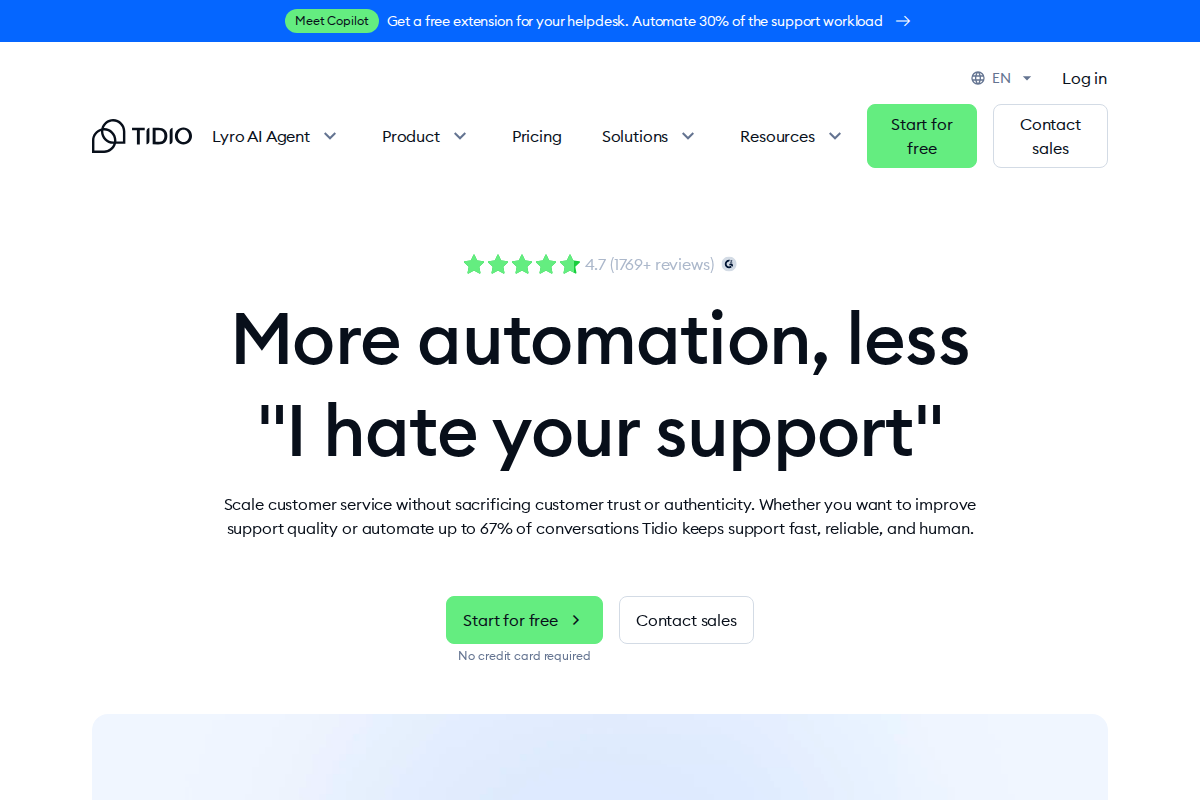
Tidio and LiveChat are two of the most popular live chat platforms on the market right now. Both let you talk to website visitors in real time, both have AI features, and both want your monthly subscription.
But they're built differently, priced differently, and suited for different types of businesses.
This comparison breaks down where each tool wins, where it falls short, and which one makes more sense depending on your situation.
Quick Overview
Tidio is a customer service platform that bundles live chat, AI chatbots (Lyro), and automation flows into one tool. It charges based on conversations, not agents. Free plan available.
LiveChat is a dedicated live chat platform focused on real-time customer communication. It charges per agent per month. No free plan — 14-day trial only.
Pricing: The Biggest Difference
This is where the two tools diverge the most.
Tidio Pricing
| Plan | Price | What You Get |
|---|---|---|
| Free | $0/mo | 50 conversations, 3 operators, basic live chat |
| Starter | $29/mo | 100 conversations, basic analytics |
| Growth | $59/mo | 250 conversations, advanced analytics, permissions |
| Plus | $749/mo | Custom quotas, API access, white-labeling |
| Premium | From $2,999/mo | Managed AI, guaranteed 50% automation rate |
Lyro AI (Tidio's AI chatbot) is an add-on starting at $39/month for 50 AI conversations. Flows (automated chatbot workflows) start at $29/month. These costs stack on top of your base plan.
LiveChat Pricing
| Plan | Price | What You Get |
|---|---|---|
| Starter | $20/agent/mo | 60-day chat history, basic customization |
| Team | $41/agent/mo | Unlimited history, full customization, SMS |
| Business | $59/agent/mo | Apple Messages, geolocation routing, staffing predictions |
| Enterprise | Custom | SSO, HIPAA, dedicated account manager |
All prices are billed annually. Monthly billing is higher. ChatBot is a separate product at $52/month.
Check current LiveChat pricing →
What the Pricing Means in Practice
Tidio's conversation-based model works well when you have a small team handling many chats. You pay for volume, not headcount.
LiveChat's per-agent model works better when you have few agents and predictable chat volume. But costs climb fast as you add team members.
Example: A team of 5 agents on LiveChat's Team plan pays $205/month. On Tidio's Growth plan, the same team pays $59/month flat — regardless of how many agents are logged in.
That said, Tidio's add-on costs can catch you off guard. If you need Lyro AI and Flows on top of your base plan, your real monthly cost could be $127+ on what was supposed to be a $59 plan.
AI and Chatbots
Both platforms have AI features, but they approach it differently.
Tidio: Lyro AI
Lyro is Tidio's AI chatbot. It learns from your support content — help articles, FAQs, product pages — and generates responses to customer questions. It doesn't follow a script. It reads the question, finds relevant information from your knowledge base, and writes a response.
You get 50 free Lyro conversations across all plans. After that, it's $39/month for 50 more, scaling up from there.
Tidio also has Flows — a drag-and-drop builder for rule-based chatbot workflows. These follow predefined paths (if customer says X, do Y) and are good for things like collecting email addresses or routing questions to the right department.
LiveChat: AI Copilot
LiveChat's AI works differently. Instead of an autonomous chatbot that talks to customers, it's an assistant that helps your agents work faster. It suggests replies, summarizes conversations, analyzes sentiment, and corrects grammar in real time.
If you want an actual chatbot that talks to customers, you need ChatBot — a separate product from the same company. It costs $52/month and up.
Who Wins on AI?
If you want AI that directly handles customer conversations without human involvement: Tidio wins. Lyro can resolve common questions on its own.
If you want AI that makes your human agents faster and more consistent: LiveChat wins. The Copilot features are tightly integrated into the agent workflow.
Ease of Setup
Tidio is faster to set up. Most users report having a working chat widget on their site within 15 minutes. The interface is straightforward, and you don't need technical knowledge to configure chatbots or flows.
LiveChat also isn't difficult to install, but users consistently report that configuring advanced features — routing rules, chatbot integrations, custom workflows — takes more time and sometimes involves the tech team.
If you run a Shopify store, Tidio has a particularly strong integration. It installs as a Shopify app and connects directly to your store data, so chatbots can pull order information and product details automatically.
Integrations
LiveChat has the edge here. It connects with over 200 tools natively, including Salesforce, HubSpot, Shopify, and most major CRMs and helpdesks. The marketplace is large and well-maintained.
Tidio offers fewer native integrations but covers the essentials: Shopify, WordPress, WooCommerce, Messenger, Instagram, email. For anything beyond that, you'd use Zapier.
If your tech stack is complex and you need deep CRM integration, LiveChat is the safer choice.
Reporting and Analytics
LiveChat provides more detailed analytics, especially on the Team plan and above. You get agent performance metrics, customer satisfaction scores, response time tracking, and custom reports. The Business plan adds staffing predictions — useful for managing shift schedules based on chat volume patterns.
Tidio's analytics cover the basics on Growth and above: conversation counts, response times, satisfaction rates, and sales attribution. It's enough for most small to mid-sized teams, but it's not as granular as what LiveChat offers.
Security
LiveChat is stronger here. It offers 256-bit SSL encryption, HIPAA compliance (Enterprise plan), credit card masking, IP-based access controls, two-factor authentication, and the option to choose your data center location (US or EU).
Tidio covers the fundamentals — GDPR compliance, data encryption, spam blocking — but doesn't match LiveChat's enterprise-level security features.
If you handle sensitive data (healthcare, finance), LiveChat's Enterprise plan is the more appropriate choice.
The Actual Chat Experience
This gets overlooked in most comparisons, but it matters daily for your agents.
LiveChat's chat interface is more polished. Agents see visitor details, browsing history, and previous conversations in a sidebar panel without leaving the chat window. The typing indicator shows what the visitor is writing before they send it, giving agents a head start on responses. Sneak peek, canned responses, and file sharing all work reliably. The chat widget itself loads fast and looks professional on any site.
Tidio's chat interface is functional but less refined. The visitor sidebar shows basic information — location, device, current page — but doesn't pull browsing history as deeply. Canned responses work. The widget is customizable in terms of colors and position, but advanced styling options are locked behind higher tiers or require CSS workarounds.
Where Tidio wins on chat: the unified inbox. Website chat, Messenger DMs, Instagram messages, and email tickets all arrive in one queue. LiveChat handles website chat and SMS natively, but connecting other channels requires integrations.
Where LiveChat wins on chat: speed and reliability. The chat widget loads faster, the agent interface feels snappier, and the overall experience has fewer rough edges. When your agents handle 50+ conversations a day, those small friction differences add up.
Mobile Apps
Both platforms have iOS and Android apps. Both let agents respond to chats on the go.
LiveChat's mobile app is more stable and feature-complete. Push notifications arrive reliably, and the interface mirrors the desktop experience closely enough that agents don't lose context switching between devices. You can manage canned responses and view basic reports from the app.
Tidio's mobile app covers the basics — responding to chats, viewing visitor info, managing conversations — but users report occasional logout issues on Android and slower notification delivery. Configuring chatbot workflows or editing Lyro's knowledge base requires the desktop version.
For teams where mobile responsiveness is critical (field sales, after-hours support), LiveChat's app is the safer pick.
Vendor Support
When something breaks, response time matters.
LiveChat provides 24/7 live chat and email support across all plans. Response times are typically under an hour for chat and within a few hours for email. The help center is extensive, with video tutorials and a developer-focused knowledge base for custom integrations.
Tidio offers email and chat support during business hours on most plans. Priority support with faster response times is reserved for Plus and Premium tiers. The knowledge base covers common setup scenarios well, but complex questions can take a business day to resolve on lower-tier plans.
If your business runs outside standard business hours and you need guaranteed support availability, LiveChat has the edge.
Who Should Pick Tidio?
- Small to mid-sized businesses that want live chat and AI chatbots in one platform
- E-commerce stores, especially on Shopify
- Teams that want to automate a large portion of customer questions without paying per agent
- Businesses on a budget — the free plan is practical enough to evaluate the platform before spending anything
Who Should Pick LiveChat?
- Growing support teams that need detailed performance analytics
- Businesses with complex tech stacks requiring deep integrations
- Companies that prioritize human-led support with AI-assisted agents
- Organizations with strict security or compliance requirements (HIPAA, etc.)
Try LiveChat free for 14 days →
The Bottom Line
There's no universal winner here. The right choice depends on how your team actually works.
If you're a small team that wants AI to handle the repetitive stuff so agents can focus on complex issues, Tidio gives you more automation per dollar. The conversation-based pricing model means you're not penalized for having extra team members logged in. A 10-person team pays the same as a 2-person team on the same plan.
If you already have a dedicated support team and need a polished, mature platform with strong reporting and integrations, LiveChat is the more proven option. It's been around longer, has a bigger ecosystem, and gives managers more visibility into team performance. The per-agent cost hurts at scale, but the product quality justifies it for teams that prioritize chat experience over automation.
One thing worth considering: your choice isn't permanent. Both platforms export data, and switching takes a few hours of configuration work. If you start with Tidio's free plan and outgrow it, moving to LiveChat later is straightforward. The risk of picking wrong is low — the risk of not picking at all and leaving your visitors without chat support is higher.
Both offer trials. Test each one with your actual workflow before committing.
Frequently Asked Questions
Which is cheaper for a team of 5?
Tidio's Growth plan costs $59/month total regardless of team size. LiveChat's Team plan costs $41/agent/month billed annually, so $205/month for 5 agents. Tidio is 71% cheaper at that team size. The gap widens as you add more agents.
Can I use both at the same time?
Technically yes, but there's no reason to. Running two chat widgets on the same site confuses visitors and splits your conversation history. Pick one, commit to it, and evaluate after 30 days.
Which has better AI?
Different kinds of AI. Tidio's Lyro talks directly to customers and resolves questions without human involvement. LiveChat's AI Copilot helps your agents write faster responses and summarize conversations. If you want fewer tickets reaching your team, pick Tidio. If you want your team handling tickets faster, pick LiveChat.
Is there a free option?
Tidio has a permanent free plan (3 operators, 50 conversations/month). LiveChat has no free plan — only a 14-day trial. If budget is tight and you need to start with zero cost, Tidio is the only option between these two.
Which is better for Shopify?
Tidio has a deeper Shopify integration. The app connects directly to your store data, so chatbots can pull order status, product details, and customer purchase history into conversations automatically. LiveChat integrates with Shopify but doesn't offer the same level of native store data access within the chat interface.
Try LiveChat Free for 14 Days
Join 36,000+ companies using LiveChat for real-time customer support. No credit card required.
Start Free Trial →
Erika A.
Pricing & Comparison SpecialistErika breaks down SaaS pricing tiers, hidden fees, and value-for-money across helpdesk and customer support tools at AgentWhispers. Her comparison frameworks help teams make informed purchasing decisions.