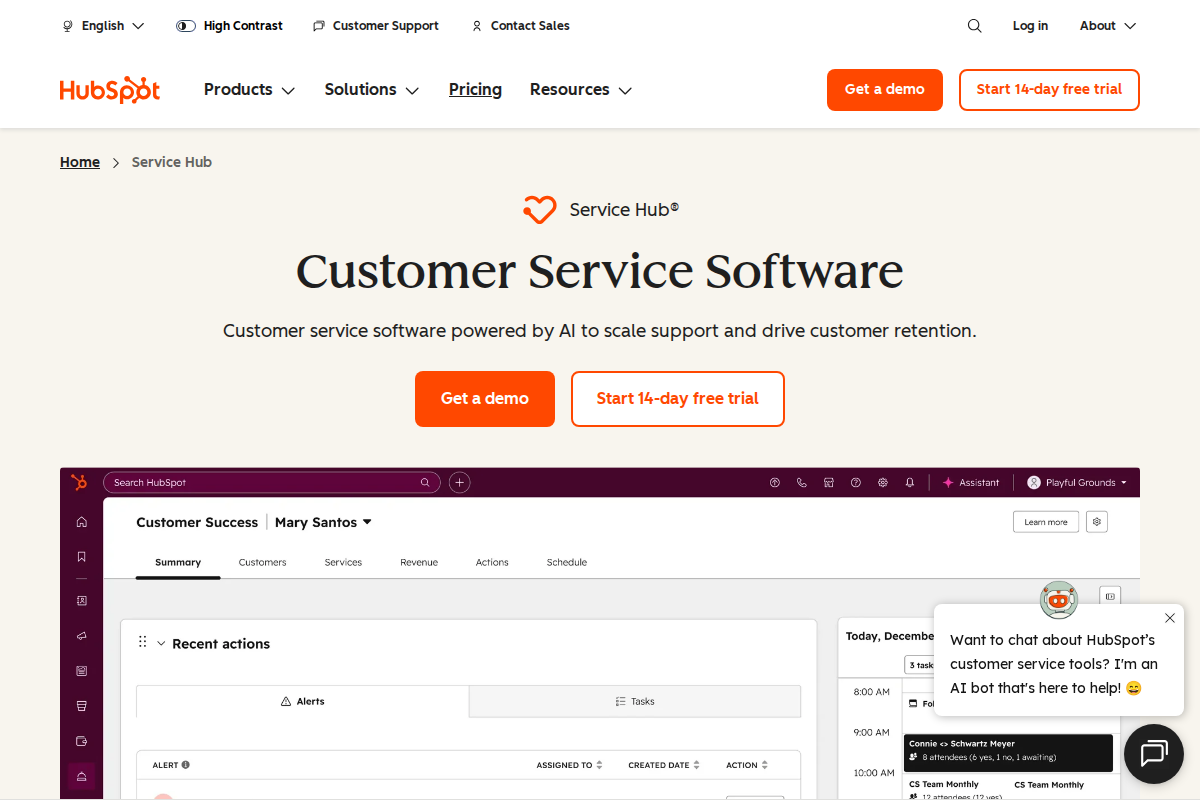
HubSpot and Salesforce dominate the CRM market but serve different users. HubSpot prioritizes ease of use and quick setup. Salesforce offers unlimited customization for complex enterprise needs. Most teams don't need Salesforce's complexity — and shouldn't pay for it.
Quick Verdict
| Use Case | Winner |
|---|---|
| Small teams (under 20) | HubSpot |
| Enterprise (100+) | Salesforce |
| Fast implementation | HubSpot |
| Deep customization | Salesforce |
| Budget-conscious | HubSpot |
| Marketing integration | HubSpot |
Bottom line: Choose HubSpot unless you have specific enterprise requirements that demand Salesforce's flexibility.
Pricing Compared
10-person team example:
- HubSpot Professional: $12,000/year
- Salesforce Professional: $9,600/year
Salesforce looks cheaper until you factor in implementation. HubSpot typically deploys in days; Salesforce often requires consultants ($5,000-50,000) and months of setup.
Hidden costs:
- Salesforce implementation: $5,000-50,000+
- Salesforce admin salary: $80,000-120,000/year
- HubSpot marketing tools: Included
- Salesforce Marketing Cloud: Separate purchase
Ease of Use
HubSpot wins decisively. The interface is clean, navigation is intuitive, and features are where you expect them. New sales reps typically need 2-3 hours of training to be productive.
Salesforce requires significant investment. The Lightning interface improved over Classic, but the learning curve remains steep. Expect 1-2 days of formal training plus ongoing support requests. Most teams need a dedicated Salesforce administrator.
For teams without technical resources, HubSpot's usability advantage is enormous. Salesforce's power doesn't matter if your team won't use it.
Features Comparison
Contact Management
HubSpot: Visual, drag-friendly contact and company records. Timeline shows all interactions automatically. Limited customization but covers 90% of use cases.
Salesforce: Unlimited custom fields, objects, and relationships. You can model any business process — but you must build it yourself.
Pipeline Management
HubSpot: Clean pipeline view with deal stages. Drag deals between stages. Built-in forecasting. Works well for standard sales processes.
Salesforce: Highly customizable pipeline with complex automation. Multiple sales processes, territories, and forecasting models. Overkill for most teams.
Email and Marketing
HubSpot: Email sequences, templates, tracking, and marketing automation included. One platform for sales and marketing.
Salesforce: Basic email integration. Marketing requires separate Marketing Cloud purchase ($1,000+/month) or third-party tools.
Reporting
Salesforce wins on power. Custom report types, cross-object reporting, and Einstein Analytics provide unlimited flexibility. Data teams can build anything.
HubSpot covers most needs. Pre-built reports for pipeline, activity, and outcomes. Custom reports possible but limited compared to Salesforce.
For most sales managers, HubSpot's reporting is sufficient. Salesforce's depth only matters if you have dedicated analysts.
Automation
HubSpot: Visual workflow builder that's easy to learn. Automate emails, task creation, and deal updates without code.
Salesforce: Flow Builder is more powerful but requires technical skill. Can automate complex business processes across objects.
Integration Ecosystem
Both platforms integrate with hundreds of tools. Key differences:
HubSpot:
- Native integrations: 1,000+
- Marketing tools: Built-in
- Support tools: Service Hub available
- Website/CMS: Native CMS or WordPress
Salesforce:
- AppExchange: 4,000+ apps
- Deeper integrations for enterprise tools
- Requires more configuration
- Integration consultants often needed
Who Should Use HubSpot
Choose HubSpot if:
- Your team is under 50 people
- You want CRM running this week
- Marketing and sales alignment matters
- You don't have a dedicated CRM admin
- Budget is a consideration
- You value ease of use over customization
HubSpot's free tier is genuinely usable. Start there, upgrade when you hit limits.
Who Should Use Salesforce
Choose Salesforce if:
- You have 100+ users
- You need complex custom objects and workflows
- You have dedicated Salesforce expertise in-house
- You're in a regulated industry requiring audit trails
- You have budget for implementation and ongoing admin
- Your sales process is unique and can't fit standard CRM structures
Be honest: Most teams think they need Salesforce's flexibility but don't. Standard sales processes work fine in HubSpot.
Migration Considerations
HubSpot to Salesforce: Common as teams grow. Data exports cleanly but requires Salesforce setup time.
Salesforce to HubSpot: Less common but happens when teams simplify. Expect to lose some custom data structures.
Start with HubSpot unless you have clear enterprise requirements. It's easier to migrate up than down.
Real-World Scenarios
15-Person SaaS Company
HubSpot. Fast setup, includes marketing, no admin needed. Salesforce would be overkill and slow to deploy.
200-Person Manufacturing Company
Salesforce. Complex sales territories, custom quoting, integration with ERP. The customization is worth the cost.
5-Person Agency
HubSpot free. Covers contact management and deals. Upgrade to paid when pipeline justifies it.
50-Person Financial Services
Salesforce. Compliance requirements, audit trails, and complex approval workflows need Salesforce's power.
What Real Users Say About HubSpot Service Hub
Overall sentiment: HubSpot Service Hub holds a 4.3/5 rating on G2 with 313 mentions praising ease of use, but faces criticism for pricing starting at $90/agent/month and slow customer support response times.
What users consistently praise:
G2 reviews emphasize the platform's user-friendly interface with "exceptional" ease of use streamlining customer support workflows. The all-in-one CRM integration — connecting marketing, sales, and service data — receives consistent praise from teams wanting unified customer views. Lagrowthmachine notes the free CRM tier includes unlimited users, providing genuine value for startups testing the platform. Automation capabilities and comprehensive reporting tools satisfy teams needing sophisticated workflow management without technical complexity.
Recurring complaints:
Trustpilot reviews (January 2026) document significant customer service issues, with one user describing "unprofessional, disrespectful" support interactions when trying to resolve plan issues. Pricing escalates quickly — Tldv.io and Featurebase note the steep costs when scaling, with Marketing + Service Hub Professional reaching $3,500-$4,500/month compared to best-of-breed alternatives at $900-$1,400. The learning curve for beginners remains substantial despite the intuitive interface. Integration troubleshooting with third-party tools creates frustration according to SmartBugMedia reviews.
The non-obvious takeaway:
Reddit r/hubspot discussions reveal a common pattern where companies adopt Service Hub for its CRM integration but later face "suite lock-in" — the convenience of unified data makes migrating individual components (service, marketing, sales) prohibitively expensive and complex, effectively trapping growing companies in pricing tiers that outpace their budget.
Sources: G2, Lagrowthmachine, Trustpilot, Tldv.io, Featurebase, Reddit. Data aggregated February 2026.
What Real Users Say About Salesforce Service Cloud
Overall sentiment: Salesforce Service Cloud receives mixed reviews with praise for omnichannel capabilities and case management at $25-$550/user/month, but significant criticism for complexity requiring certified administrators.
What users consistently praise:
Capterra and Research.com reviews emphasize the platform's robust case management capabilities, with Gartner Peer Insights users specifically citing case organization and routing as primary strengths. Omnichannel support unifying phone, email, chat, and social media into a single agent desktop receives consistent praise from enterprise teams. The integration with Salesforce's broader CRM ecosystem provides unified customer views that standalone helpdesks cannot match. Knowledge base and self-service portal features reduce ticket volumes through effective deflection.
Recurring complaints:
Trustpilot reviews describe the platform as "unnecessarily complicated" with "nightmarish" initial setup that requires certified Salesforce administrators. Eesel AI notes "seriously complex" implementation requiring dedicated admin resources and extensive agent training. Pricing escalates dramatically from $25/user/month (Essentials, 5-user limit) to $550/user/month (Unlimited), with most teams needing Professional ($80) or Enterprise ($165) tiers for functional features. Reddit r/salesforce discussions confirm the steep learning curve creates implementation delays measured in months rather than weeks.
The non-obvious takeaway:
BusinessNewsDaily and Reddit discussions reveal a pattern where Salesforce Service Cloud's value proposition depends heavily on existing Salesforce adoption — companies already using Sales Cloud find the integration justifies complexity, while standalone service teams without CRM integration report the platform feels "unduly complex and invoiced" for their needs, suggesting the product serves existing Salesforce customers significantly better than new entrants.
Sources: Capterra, Research.com, Gartner, Trustpilot, Eesel AI, Reddit. Data aggregated February 2026.
The Bottom Line
For 80% of small-to-midsize businesses, HubSpot delivers more value per dollar. It's faster to deploy, easier to use, and the free tier removes risk.
Salesforce is the right call when you genuinely need enterprise-scale flexibility — but be honest about whether you actually need it.
- HubSpot vs Pipedrive — SMB-focused CRM comparison
- Salesforce vs Pipedrive — Enterprise vs SMB CRM
- Salesforce vs Monday — CRM vs work OS platforms
Related Articles
- How to Choose Helpdesk Software — Selection framework
- Best Helpdesk for Small Business — Top picks
Frequently Asked Questions
Is HubSpot really free?
Yes. The CRM is free forever for unlimited users and up to 2,500 contacts. Marketing and advanced features require paid plans.
Can HubSpot replace Salesforce?
For most teams, yes. Only enterprises with complex requirements need Salesforce's customization.
Which is better for startups?
HubSpot. The free tier, fast setup, and included marketing tools fit startup needs better.
Does Salesforce require a consultant?
For basic setup, no. For complex implementations, yes — budget $5,000-50,000 for professional services.
Can I migrate from HubSpot to Salesforce later?
Yes. Data exports cleanly. Expect 2-4 weeks for Salesforce configuration.
Which has better reporting?
Salesforce is more powerful. HubSpot is sufficient for most teams and much easier to use.

Erika A.
Pricing & Comparison SpecialistErika breaks down SaaS pricing tiers, hidden fees, and value-for-money across helpdesk and customer support tools at AgentWhispers. Her comparison frameworks help teams make informed purchasing decisions.