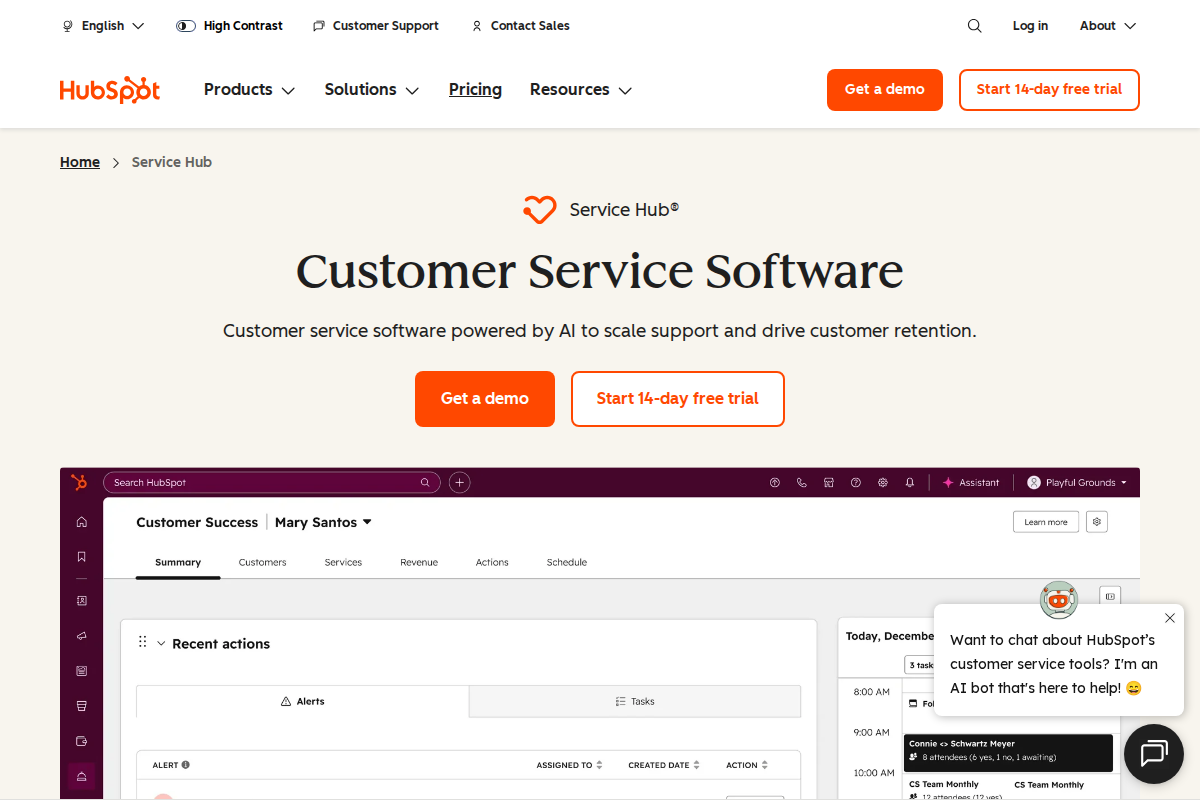
HubSpot and Pipedrive are both popular CRM platforms, but serve different business needs and team sizes. HubSpot is the comprehensive all-in-one platform with marketing, sales, and service combined seamlessly. Pipedrive is the dedicated sales-focused pipeline tool that just works without complexity.
The choice depends on whether you want comprehensive business software or focused sales management tools.
Table of Contents
- Quick Verdict
- Pricing Compared
- Sales Pipeline Management
- All-in-One Platform
- Ease of Use
- Marketing Integration
- Customization
- Email Integration
- Mobile Experience
- Reporting
- Real-World Scenarios
- Migration Between Them
- The Verdict
- Frequently Asked Questions
Quick Verdict
| Use Case | Winner |
|---|---|
| All-in-one platform | HubSpot |
| Sales pipeline focus | Pipedrive |
| Marketing automation | HubSpot |
| Sales reporting | Pipedrive |
| Marketing integration | HubSpot |
| Ease of use | Pipedrive |
| Free tier | HubSpot |
| Value for money | Pipedrive |
| SMB sales teams | Pipedrive |
| Enterprise scale | HubSpot |
Bottom line: Pick Pipedrive if you want focused, affordable sales pipeline management. Choose HubSpot if you want unified CRM, marketing, and support on one platform.

Pricing Compared
Pipedrive is consistently cheaper. HubSpot's free tier is generous, but paid plans are significantly more expensive.
Sales Pipeline Management
Pipedrive wins. This is Pipedrive's specialty. The visual pipeline is intuitive, flexible, and just works:
- Drag-and-drop deal movement
- Stage-specific required fields
- Probability weighting
- Activity reminders
- Multiple pipelines
HubSpot has pipelines, but they're one feature among many. Pipedrive's focus shows in the details.
All-in-One Platform
HubSpot wins. HubSpot combines CRM, marketing, sales, and service:
- Email marketing
- Social media management
- Landing pages
- Helpdesk (Service Hub)
- Analytics across all channels
Pipedrive integrates with other tools but doesn't try to be everything.
Ease of Use
Pipedrive wins. Simpler interface, gentler learning curve, faster time to value. Most teams are productive in hours, not days.
HubSpot is more complex. More features mean more to learn. More powerful, but steeper curve.
Marketing Integration
HubSpot wins decisively. Email marketing, social media, landing pages, and analytics are core HubSpot features.
Pipedrive focuses purely on sales. Marketing requires integrations (Mailchimp, etc.).
Customization
HubSpot wins. More fields, more objects, more automation options, more everything.
Pipedrive offers customization within its sales-focused framework. You can adapt it, but can't fundamentally change it.
For complex sales processes, HubSpot's flexibility matters. For standard B2B sales, Pipedrive's constraints are helpful.
Email Integration
Tie. Both integrate well with Gmail and Outlook. Pipedrive's Smart Email BCC is slightly slicker. HubSpot's email tracking is more comprehensive.
Mobile Experience
Pipedrive wins. The mobile app is fast, intuitive, and purpose-built for sales on the go.
HubSpot's mobile app is good but busier. More features crammed into smaller screens.
Reporting
HubSpot wins. Cross-functional reporting showing marketing, sales, and service together.
Pipedrive's reporting is sales-focused but excellent within that scope.
Real-World Scenarios
Scenario 1: Sales Team of 5
Focused on closing deals, no marketing team.
Winner: Pipedrive. Better pipeline, lower cost ($75 vs $225+/month), faster setup.
Scenario 2: Marketing + Sales Alignment
Need marketing automation and sales pipeline connected.
Winner: HubSpot. Unified platform keeps teams aligned. Marketing sees sales data; sales sees marketing activity.
Scenario 3: Solo Salesperson
One person handling everything, tight budget.
Winner: HubSpot free tier. Full CRM at zero cost. Upgrade when you grow.
Scenario 4: Complex Enterprise Sales
Custom objects, complex workflows, multiple teams.
Winner: HubSpot. The customization and scale handle complexity Pipedrive can't.
Migration Between Them
Moving from Pipedrive to HubSpot is common as companies grow and need more features. Export/import works well.
Moving from HubSpot to Pipedrive is harder. HubSpot's data structure is more complex; Pipedrive can't absorb all of it.
Start with Pipedrive if you're small and focused. Move to HubSpot when you need the platform.
The Verdict
Pick Pipedrive if:
- Sales is your primary need
- You want focused, affordable CRM
- You have 1-20 salespeople
- Pipeline management is critical
- Marketing is handled separately
- You value simplicity over comprehensiveness
Pick HubSpot if:
- You want all-in-one CRM + marketing + service
- Marketing and sales alignment matters
- You need comprehensive customer data
- You're building an integrated revenue team
- You have budget for premium pricing
- You want room to grow without switching platforms
Don't pick either if:
- You need enterprise customization (consider Salesforce)
- You want the simplest possible CRM (consider Zoho)
- You have very unique sales processes (consider custom)
- HubSpot vs Salesforce — Premium CRM alternatives
- HubSpot vs Zoho CRM — Premium vs value comparison
- Pipedrive vs Monday — CRM vs work management
Related Articles
- How to Choose Helpdesk Software — Selection framework
- Best Helpdesk for Small Business — Top picks
What Real Users Say About HubSpot Service Hub
Overall sentiment: HubSpot Service Hub holds a 4.3/5 rating on G2 with 313 mentions praising ease of use, but faces criticism for pricing starting at $90/agent/month and slow customer support response times.
What users consistently praise:
G2 reviews emphasize the platform's user-friendly interface with "exceptional" ease of use streamlining customer support workflows. The all-in-one CRM integration — connecting marketing, sales, and service data — receives consistent praise from teams wanting unified customer views. Lagrowthmachine notes the free CRM tier includes unlimited users, providing genuine value for startups testing the platform. Automation capabilities and comprehensive reporting tools satisfy teams needing sophisticated workflow management without technical complexity.
Recurring complaints:
Trustpilot reviews (January 2026) document significant customer service issues, with one user describing "unprofessional, disrespectful" support interactions when trying to resolve plan issues. Pricing escalates quickly — Tldv.io and Featurebase note the steep costs when scaling, with Marketing + Service Hub Professional reaching $3,500-$4,500/month compared to best-of-breed alternatives at $900-$1,400. The learning curve for beginners remains substantial despite the intuitive interface. Integration troubleshooting with third-party tools creates frustration according to SmartBugMedia reviews.
The non-obvious takeaway:
Reddit r/hubspot discussions reveal a common pattern where companies adopt Service Hub for its CRM integration but later face "suite lock-in" — the convenience of unified data makes migrating individual components (service, marketing, sales) prohibitively expensive and complex, effectively trapping growing companies in pricing tiers that outpace their budget.
Sources: G2, Lagrowthmachine, Trustpilot, Tldv.io, Featurebase, Reddit. Data aggregated February 2026.
What Real Users Say About Pipedrive
Overall sentiment: Pipedrive holds positive reviews for its visual pipeline and sales-focused design at $14+/user/month, though users criticize limited reporting capabilities and occasional performance issues.
What users consistently praise:
CRM.org and Breakcold reviews highlight Pipedrive's visual pipeline view as its standout feature, with the interface "getting a fresh polish" in 2026 updates that improved the core experience. The quick setup process and 500+ integrations reduce time-to-value for sales teams. The AI assistant receives praise for suggesting follow-ups based on deal history. Mobile app functionality allows sales reps to plan days, access customer data, and add notes from anywhere. Email and calendar sync work reliably across platforms.
Recurring complaints:
TechRadar and SoftwareAdvice reviews note limited open deals and custom fields on lower tiers, with restricted automation capabilities gating productivity features. Breakcold documents "occasional slow load times and connectivity issues with calling" that disrupt sales workflows. The Campaigns module, while improved, still lacks depth compared to dedicated marketing automation platforms. Gartner Peer Insights notes limitations in integrations and mobile functionality for complex enterprise needs.
The non-obvious takeaway:
Reddit r/pipedrive and r/CRM discussions reveal a pattern where Pipedrive works best for transactional sales processes with clear stages, but teams with complex, non-linear sales cycles (enterprise B2B, consultative selling) often outgrow the visual pipeline metaphor and migrate to more flexible CRMs — suggesting the simplicity that attracts users initially becomes constraining as sales sophistication increases.
Sources: CRM.org, Breakcold, TechRadar, SoftwareAdvice, Gartner, Reddit. Data aggregated February 2026.
Frequently Asked Questions
Is HubSpot worth 3x Pipedrive's price?
If you use the marketing and service features, yes. For CRM alone, no.
Can I use Pipedrive with HubSpot Marketing?
Yes, via integrations. But it's not as seamless as native HubSpot CRM.
Which is better for small businesses?
Pipedrive for pure sales, HubSpot free tier if you want marketing too.
Should I start with Pipedrive and upgrade to HubSpot?
Many do. Pipedrive is perfect for early-stage. Move to HubSpot when you need the platform.
Which has better customer support?
Both are good. HubSpot has more resources; Pipedrive is more responsive.

Erika A.
Pricing & Comparison SpecialistErika breaks down SaaS pricing tiers, hidden fees, and value-for-money across helpdesk and customer support tools at AgentWhispers. Her comparison frameworks help teams make informed purchasing decisions.