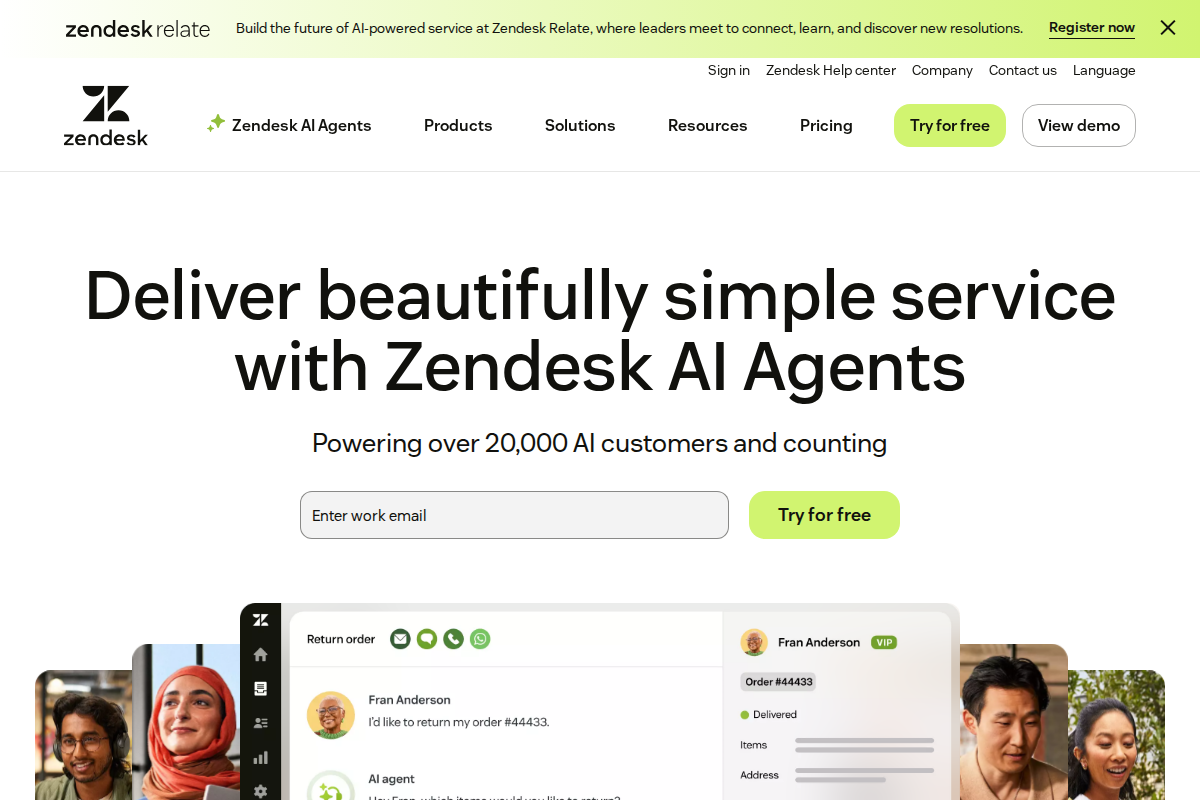
Zendesk created the modern helpdesk category and remains the standard against which competitors are measured. It's not perfect, but for teams needing enterprise-grade support software, it's often the safest choice.
What Zendesk Actually Is
Zendesk is a comprehensive customer service platform handling email, chat, phone, social media, and self-service. It scales from small teams to thousands of agents, though it's priced and built for the mid-market and enterprise.
The platform centers on tickets — structured customer conversations that can be assigned, tracked, automated, and reported on. Everything else (chat, phone, knowledge base) connects to this ticket system. For a detailed breakdown of what each plan includes, see our Zendesk pricing analysis.
Pricing: What You'll Actually Pay
| Plan | Price Per Agent | Best For |
|---|---|---|
| Support Team | $19/month | Small teams wanting basic ticketing |
| Suite Team | $55/month | Growing teams needing multi-channel support |
| Suite Professional | $115/month | Larger teams with advanced workflows |
| Suite Enterprise | Custom | Organizations needing maximum customization |
Reality check: Most teams land on Suite Team or Suite Professional. Support Team lacks automation and chat/phone features that become essential quickly. Suite Enterprise is overkill unless you have 100+ agents.
Hidden costs to watch:
- Advanced AI: +$50/month
- Workforce management: +$20/agent
- Sandbox: +$100/month
- Premier support: +20% of subscription
These add-ons can significantly increase your total cost of ownership. A 20-agent team on Suite Team ($55/agent) with Advanced AI ($50) and Workforce Management ($20/agent) pays $1,550/month — not the $1,100 base price. Factor these potential costs into your budget planning from the start.
What's Genuinely Good
Ticket management remains best-in-class. The routing, assignment, and workflow capabilities are comprehensive. You can route based on keywords, customer attributes, agent skills, time zones, and dozens of other criteria.
The app ecosystem is unmatched. 1,000+ apps in the marketplace mean you can connect virtually anything. Salesforce, Slack, Shopify, Jira — all deeply integrated.
Reliability is bulletproof. Zendesk publishes 99.9% uptime and generally delivers. For businesses where support downtime means lost revenue, this matters.
Customization depth is extensive. Custom fields, triggers, automations, views, and APIs let you adapt Zendesk to almost any workflow.
Mobile app is genuinely useful. Agents can handle complex tickets, manage assignments, and track metrics from phones without frustration.
What's Frustrating
Setup takes time. Plan for days or weeks, not hours. The flexibility that makes Zendesk powerful also makes it complex. You'll need to configure workflows, set up routing rules, customize fields, and train agents.
Pricing escalates quickly. The jump from Support Team ($19) to Suite Team ($55) is significant. Many teams outgrow Support Team within months but struggle to justify Suite Team pricing. Our Zendesk vs Freshdesk comparison breaks down whether the premium is worth it.
The interface feels dated. Functional but not delightful. Compared to newer tools like Intercom or Freshdesk, Zendesk looks like enterprise software from 2015.
AI features cost extra. Advanced AI (intelligent routing, sentiment analysis, macro suggestions) requires the Advanced AI add-on at $50/month on top of your plan.
Customer support is inconsistent. Ironic for a helpdesk company, but Zendesk's own support can be slow and bureaucratic, especially on lower-tier plans.
Knowledge base limitations. While functional, Zendesk's help center builder lacks modern content management features. No inline editing, limited SEO controls, and basic analytics compared to dedicated documentation tools. Teams serious about self-service often supplement with WordPress or specialized documentation platforms.
Feature Highlights
Ticket Management
Zendesk's ticket system remains its core strength. Every customer interaction becomes a structured ticket with full context, history, and ownership. Agents see complete conversation threads, internal notes, and customer data in a unified interface. Custom fields capture business-specific information like order numbers, account types, or product categories. The collision detection feature prevents multiple agents from working the same ticket simultaneously—a lifesaver during high-volume periods.
Key capabilities include:
- Custom ticket fields with conditional logic
- 50+ trigger conditions for automations
- SLA management with breach alerts
- Custom views and dashboards
- Collision detection
- Bulk ticket operations for mass updates
Multi-Channel Support
Customers expect support wherever they are. Zendesk brings email, chat, phone, and social into one unified inbox. Conversations automatically thread across channels—if a customer emails then follows up via chat, agents see the full context. The web widget can be embedded anywhere and supports proactive messaging based on user behavior. Social integrations cover Facebook, Twitter, and Instagram, though Instagram support lags behind dedicated social tools.
Reporting
- 20+ pre-built reports
- Custom report builder
- Real-time dashboards
- Agent performance metrics
- Customer satisfaction tracking
- Custom metrics and goals
- Scheduled report delivery
- Data export to CSV/Excel
Self-Service
- Knowledge base
- Community forums
- AI-powered answer bot (add-on)
- Custom branded help center
Detailed Feature Analysis
Advanced Workflow Automation
Zendesk's automation engine separates it from simpler competitors. Beyond basic if-then rules, you can create sophisticated multi-step workflows:
Trigger-based actions: Automatically assign tickets based on keywords, customer tags, time of day, or agent availability. For example, route "billing" emails to the finance team during business hours, but to on-call agents after hours.
Time-based automations: Escalate tickets that haven't received a response within SLA timeframes. Notify managers when high-priority tickets age beyond thresholds. Automatically close resolved tickets after customer inactivity.
Custom business rules: Build conditional logic using AND/OR operators across dozens of ticket and customer attributes. Create different workflows for VIP customers, trial users, or specific product lines.
While powerful, these automations require careful planning. Poorly designed rules create ticket loops, misassignments, or missed escalations. Budget time for testing and refinement.
Integration Architecture
Zendesk's 1,000+ app marketplace isn't just quantity—many integrations offer depth:
CRM Integrations: Salesforce and HubSpot connectors sync customer data bidirectionally. Support agents see deal value, sales stage, and account history. Sales teams see support ticket summaries in their CRM records.
Ecommerce Platforms: Shopify, WooCommerce, and Magento integrations pull order data, shipping status, and purchase history into ticket sidebars. Agents resolve shipping and refund questions without switching tools.
Development Tools: Jira, GitHub, and Azure DevOps integrations link support tickets to engineering work. Support teams escalate bugs with full context; developers see customer impact data.
Communication Platforms: Slack and Microsoft Teams integrations route ticket notifications to channels, enable ticket creation from chat, and support agent collaboration.
Custom API access (Enterprise plan) lets developers build bespoke integrations for unique business needs.
Security and Compliance Features
Zendesk serves industries with strict security requirements:
Data Protection: SOC 2 Type II certified, ISO 27001 compliant, GDPR ready. Data encryption at rest (AES-256) and in transit (TLS 1.2+). Optional EU data residency for GDPR compliance.
Access Controls: Role-based permissions, IP restrictions, two-factor authentication, and SSO via SAML. Agent permissions can be granular—some agents see only assigned tickets, others see entire queues.
Audit and Compliance: Comprehensive audit logs track every ticket change, agent action, and administrative setting. Data retention policies can be configured for legal hold requirements.
HIPAA: Business Associate Agreements available for healthcare organizations (Enterprise plan with security add-on).
For organizations in regulated industries, Zendesk's compliance certifications provide necessary documentation for security reviews.
Who Should Use Zendesk
Choose Zendesk if:
- You have 10+ support agents
- You need enterprise reliability
- Complex ticket routing is essential
- You plan to scale to 50+ agents
- Budget allows for $55+/agent
- You value customization over ease of use
- You operate in regulated industries requiring compliance certifications
- You need advanced workflow automation
Skip Zendesk if:
- You have under 5 agents (overkill)
- Budget is tight (Freshdesk offers similar at lower cost)
- You need chat-first support (consider Intercom)
- You want simple, quick setup (consider Freshdesk)
- You value modern UI over features
- You lack technical resources for implementation
Alternatives to Consider
Freshdesk: Similar features at 30-40% lower cost. Better for budget-conscious teams.
Intercom: Better for chat-first, proactive support. More modern but less comprehensive ticketing.
HubSpot Service Hub: Better if you're already using HubSpot CRM. Unified customer view.
What Real Users Say About Zendesk
Overall sentiment: Zendesk maintains a 4.2/5 rating on G2 but only 3.8/5 on Trustpilot, with enterprise users praising scalability while small teams criticize hidden costs and complexity starting at $19/agent/month.
What users consistently praise:
TechRadar and Hiver reviews emphasize multi-channel support capabilities and robust ticketing management as primary strengths. Enterprise users on Reddit (midsized software companies) specifically value the employee service portal for IT requests and incident management features. The automation tools and omnichannel integration receive consistent positive mentions across review platforms for handling complex support workflows at scale.
Recurring complaints:
Trustpilot reviews (December 2025) reveal frustration with Zendesk's own customer support responsiveness, creating irony given the platform's purpose. Multiple users cite "hidden costs" and complex setup as barriers, with pricing concerns particularly acute for teams under 10 agents. Reddit discussions in r/Zendesk highlight limitations as an ITSM tool, with users noting restricted views and poor CSV export functionality for technical support use cases.
The non-obvious takeaway:
A pattern emerging across Reddit and Trustpilot shows that Zendesk's enterprise-focused pricing (plans exceeding $100/agent with add-ons) creates a "mid-market gap" — growing companies between 15-50 agents frequently seek alternatives not for missing features, but because they're paying enterprise prices without receiving enterprise-grade support responsiveness from Zendesk itself.
Sources: TechRadar, Hiver, Trustpilot, Reddit, G2. Data aggregated February 2026.
The Bottom Line
Zendesk remains the enterprise helpdesk standard. It's comprehensive, reliable, and scales to any size. But you pay for that capability — in both subscription costs and implementation time.
For teams where support is mission-critical and budget allows, Zendesk is the safe choice. For smaller teams or those prioritizing simplicity and cost, alternatives like Freshdesk offer better value.
Related Articles
- Zendesk Pricing Breakdown (2026) — Complete cost analysis of all plans
- Zendesk vs Freshdesk — Feature and pricing comparison
- Best Helpdesk Software for Small Business — Top picks for smaller teams
- How to Choose Helpdesk Software — Decision framework for selecting tools
Frequently Asked Questions
Is Zendesk worth the price?
For 10+ agents needing enterprise features, yes. For smaller teams, probably not — alternatives deliver 80% of value at 50% of cost.
How long does Zendesk implementation take?
Simple setup: 1-2 days. Full implementation with custom workflows: 2-4 weeks. Enterprise deployments: 1-3 months.
Can Zendesk replace our current helpdesk?
Almost certainly yes. The question is whether the migration cost and learning curve justify the benefits.
What's the minimum team size for Zendesk?
Technically 1, but practical minimum is 5-10 agents. Below that, simpler tools make more sense.
Does Zendesk integrate with Salesforce?
Yes, deeply. The Salesforce-Zendesk integration is one of the most robust in the ecosystem.
Is Zendesk suitable for ecommerce?
Yes, with caveats. Zendesk handles ecommerce support well but lacks native product data visibility. For deep Shopify/WooCommerce integration, consider Gorgias or Tidio instead.
How does Zendesk handle high ticket volumes?
Zendesk excels at scale. Automated routing, SLA management, and agent workload balancing keep large teams efficient. Enterprises with 1000+ daily tickets rely on Zendesk for good reason.
Can I use Zendesk for internal IT support?
Yes. Many companies use Zendesk for internal helpdesk (IT, HR, facilities). The same ticketing and workflow features work for internal and external support.
What's the biggest mistake teams make with Zendesk?
Under-configuring. Teams buy Zendesk but use 20% of its capabilities. Invest time in setting up automations, custom fields, and views to get full value.
Does Zendesk work for small businesses?
Technically yes, but practically only if you have technical resources. The Team plan ($19/agent) works for small teams, but setup complexity and minimum feature requirements make simpler tools like Freshdesk more practical for businesses under 5 agents.
How does Zendesk handle data retention?
Zendesk provides configurable data retention policies. Administrators can set automatic deletion schedules for tickets, attachments, and user data. This is essential for GDPR compliance and managing storage costs. Enterprise plans offer advanced retention and archiving options.
Can I use Zendesk for multiple brands?
Yes, Zendesk supports multi-brand configurations on Professional and Enterprise plans. Each brand can have separate help centers, email addresses, and business rules while sharing agent pools and reporting. This is valuable for agencies and conglomerates managing multiple products.
What's the difference between Zendesk Support and Zendesk Suite?
Zendesk Support is the core ticketing platform. Zendesk Suite includes Support plus Chat, Talk (phone), and Guide (knowledge base). Most businesses need the Suite for complete functionality. Compare carefully—buying components separately often costs more than the bundled Suite.
Is Zendesk HIPAA compliant?
Zendesk offers a HIPAA-compliant configuration on Enterprise plans with a Business Associate Agreement. This requires specific security settings, data residency choices, and compliance documentation. Healthcare organizations should work with Zendesk's compliance team during implementation.
How often does Zendesk release updates?
Zendesk ships updates continuously. Major features release quarterly, while bug fixes and minor improvements deploy weekly. The pace of change keeps the platform current but requires teams to stay informed about new capabilities and interface changes.
Does Zendesk offer on-premise deployment?
No, Zendesk is cloud-only. Organizations requiring on-premise helpdesk solutions should evaluate alternatives like Jira Service Management or ServiceNow that offer self-hosted options.
What's included in Zendesk's API?
Zendesk provides a comprehensive REST API covering tickets, users, organizations, custom fields, macros, triggers, and reporting. Rate limits vary by plan (700-2,500 requests per minute). The API enables custom integrations, data export, and workflow automation beyond native features.
How does Zendesk handle peak traffic?
Zendesk's infrastructure auto-scales to handle traffic spikes. During major product launches or seasonal rushes, the platform maintains performance without manual intervention. Enterprise customers can request capacity planning assistance for predictable high-volume events.
What's the typical ROI for Zendesk?
Organizations typically see ROI within 6-12 months through improved agent efficiency, reduced response times, and better customer satisfaction. Metrics include 20-30% reduction in average handle time and 15-25% improvement in first-contact resolution rates.
Does Zendesk support custom objects?
Custom objects are available on Enterprise plans, allowing organizations to track relationships between tickets and business-specific data (products, orders, shipments). This extends Zendesk's data model beyond standard tickets, users, and organizations.
Can Zendesk handle B2B account hierarchies?
Yes, Zendesk supports parent-child relationships between organizations. This enables ticket routing based on account tiers, consolidated reporting for enterprise accounts, and visibility across subsidiary companies. Professional+ plans include advanced organization management features for complex B2B sales structures.
What's included in Zendesk's sandbox environment?
Sandbox access (Enterprise plan) provides a safe testing environment for configuration changes. Test new workflows, triggers, and automations without affecting production data. This reduces risk when implementing complex changes to your support operation.

Bob B.
Senior SaaS AnalystBob covers helpdesk tools, CRM platforms, and live chat software at AgentWhispers. He focuses on in-depth reviews, industry-specific recommendations, and feature analysis to help teams find the right support stack.