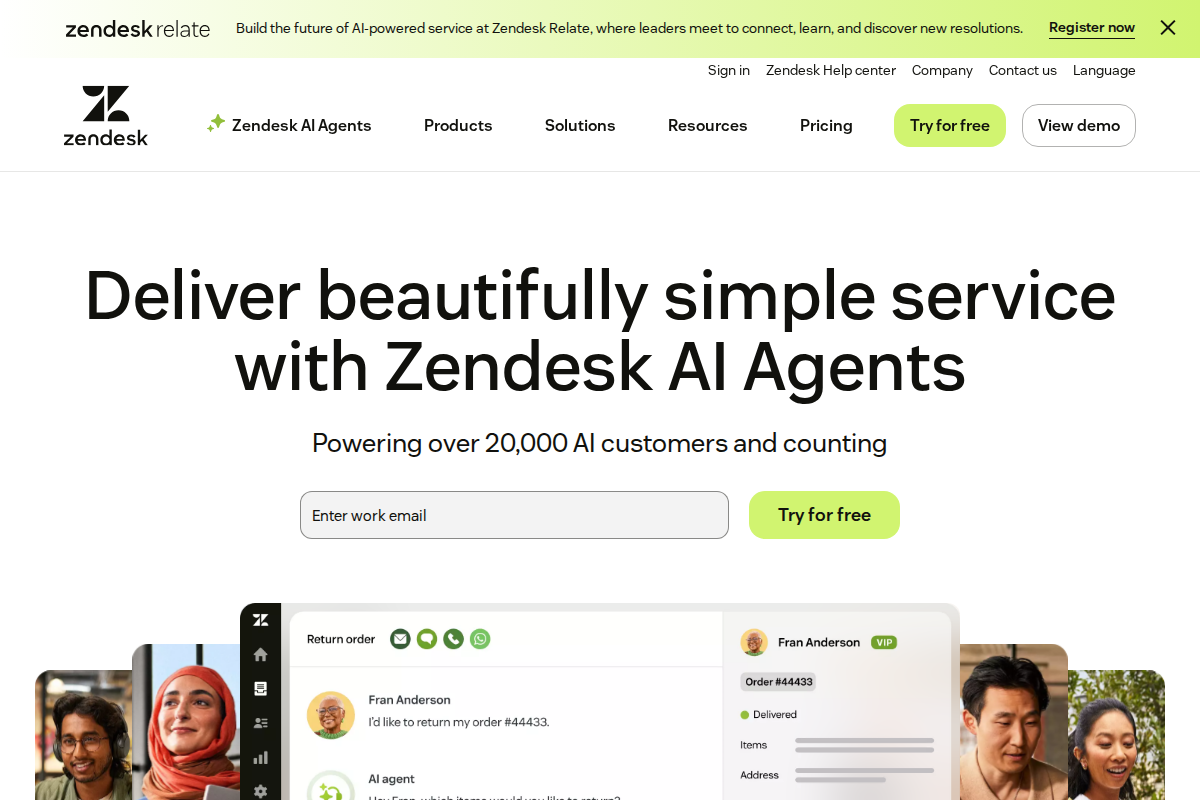
Zendesk built the modern helpdesk category. HubSpot added support to their CRM platform. Both handle customer service, but from different angles — Zendesk from pure support, HubSpot from unified customer experience.
The choice depends on whether you want best-in-class ticketing or integrated CRM + support.
Quick Verdict
| Use Case | Winner |
|---|---|
| Pure ticket management | Zendesk |
| CRM integration | HubSpot |
| Standalone support | Zendesk |
| Sales + support unified | HubSpot |
| Customization | Zendesk |
| Free tier | HubSpot |
| Enterprise scale | Zendesk |
| Small business | HubSpot |
Bottom line: Pick Zendesk if support is your priority and you want the best ticket management available. Choose HubSpot if you're already using their CRM and want unified customer data across sales, marketing, and support.
Pricing Compared
HubSpot's free tier is genuinely generous — ticketing, chat, and knowledge base at zero cost. But paid tiers are more expensive than Zendesk.
Ticket Management
Zendesk wins. This is Zendesk's core competency. Advanced features include:
- Sophisticated routing and assignment
- Comprehensive SLA management
- Custom ticket fields and workflows
- 1,000+ integrations
- Extensive automation options
HubSpot Service Hub handles tickets well, but lacks Zendesk's depth. Most teams won't notice the difference until they hit complex workflows.
CRM Integration
HubSpot wins decisively. This is HubSpot's advantage. Support tickets automatically link to contact records. Agents see:
- Full deal history and pipeline stage
- Marketing email engagement
- Website activity and page views
- Sales notes and call recordings
- Customer lifetime value
Zendesk has a CRM (Zendesk Sell), but it's separate. The integration works but isn't as seamless as HubSpot's unified platform.
When a customer emails support, HubSpot agents immediately know if they're a prospect, active customer, or at-risk account.
Ease of Setup
HubSpot wins for CRM users. If you're already in HubSpot, adding Service Hub takes minutes. Everything connects automatically.
Zendesk wins for standalone setup. If you're not using HubSpot CRM, Zendesk is faster to configure. Less complexity, fewer dependencies.
Customization
Zendesk wins. The platform is endlessly customizable:
- Custom ticket forms with conditional logic
- 50+ automation trigger conditions
- Custom apps and integrations
- API access for anything else
HubSpot offers customization within its framework. You can adapt it, but can't fundamentally change how it works.
Reporting
Tie. Both offer comprehensive analytics. Zendesk has deeper ticket metrics; HubSpot has unified reporting across CRM, marketing, and support.
Zendesk advantage: Ticket-focused metrics, agent performance, SLA tracking.
HubSpot advantage: Cross-functional reporting showing support impact on sales and retention.
Knowledge Base
HubSpot wins. The knowledge base integrates seamlessly with CRM data. You can gate content based on customer status, track which articles influence deals, and measure content ROI.
Zendesk's knowledge base is solid but standalone. Less connection to the broader customer journey.
Chat
Tie. Both offer live chat. HubSpot's is more modern; Zendesk's is more reliable at scale.
For most teams, either works. High-volume teams may prefer Zendesk's stability.
Real-World Scenarios
Scenario 1: Company Using HubSpot CRM
Sales and marketing already in HubSpot, adding support.
Winner: HubSpot. The integration is seamless. Support agents see full customer context. No data silos, no switching tools.
Scenario 2: Standalone Support Team
Dedicated support department, no CRM integration needed.
Winner: Zendesk. Better ticket management, lower cost, more customization.
Scenario 3: Budget-Conscious Startup
5-person team, tight budget, planning to grow.
Winner: HubSpot free tier. Covers all 5 agents at zero cost. Upgrade when you need advanced features.
Scenario 4: Enterprise with Complex Workflows
500+ agents, custom processes, strict SLAs.
Winner: Zendesk. The customization, automation, and enterprise features handle complexity HubSpot can't match.
Migration Between Them
Moving from Zendesk to HubSpot is common when companies adopt HubSpot's CRM. Export/import tools exist; expect some data loss and formatting issues.
Moving from HubSpot to Zendesk is harder. HubSpot's unified data structure doesn't map cleanly to Zendesk's ticket-focused model.
If you're considering HubSpot for CRM, strongly consider Service Hub for support. The integration value is significant.
The Verdict
Pick Zendesk if:
- Support is a standalone function
- You need best-in-class ticket management
- Customization and complex workflows matter
- You're not using HubSpot CRM
- Budget for paid tiers is tight
Pick HubSpot Service Hub if:
- You're already using HubSpot CRM
- You want unified customer data across teams
- You value context over pure ticket power
- Free tier covers your current needs
- Sales and support alignment is important
Don't pick either if:
- You need simple, cheap helpdesk (consider Freshdesk)
- You want chat-first support (consider Tidio)
- You're pure ecommerce (consider Gorgias)
Related Articles
- Zendesk vs Freshdesk — Feature comparison
- How to Choose Helpdesk Software — Selection framework
- Best Helpdesk for Small Business — Top picks
What Real Users Say About Zendesk
Overall sentiment: Zendesk maintains a 4.2/5 rating on G2 but only 3.8/5 on Trustpilot, with enterprise users praising scalability while small teams criticize hidden costs and complexity starting at $19/agent/month.
What users consistently praise:
TechRadar and Hiver reviews emphasize multi-channel support capabilities and robust ticketing management as primary strengths. Enterprise users on Reddit (midsized software companies) specifically value the employee service portal for IT requests and incident management features. The automation tools and omnichannel integration receive consistent positive mentions across review platforms for handling complex support workflows at scale.
Recurring complaints:
Trustpilot reviews (December 2025) reveal frustration with Zendesk's own customer support responsiveness, creating irony given the platform's purpose. Multiple users cite "hidden costs" and complex setup as barriers, with pricing concerns particularly acute for teams under 10 agents. Reddit discussions in r/Zendesk highlight limitations as an ITSM tool, with users noting restricted views and poor CSV export functionality for technical support use cases.
The non-obvious takeaway:
A pattern emerging across Reddit and Trustpilot shows that Zendesk's enterprise-focused pricing (plans exceeding $100/agent with add-ons) creates a "mid-market gap" — growing companies between 15-50 agents frequently seek alternatives not for missing features, but because they're paying enterprise prices without receiving enterprise-grade support responsiveness from Zendesk itself.
Sources: TechRadar, Hiver, Trustpilot, Reddit, G2. Data aggregated February 2026.
What Real Users Say About HubSpot Service Hub
Overall sentiment: HubSpot Service Hub holds a 4.3/5 rating on G2 with 313 mentions praising ease of use, but faces criticism for pricing starting at $90/agent/month and slow customer support response times.
What users consistently praise:
G2 reviews emphasize the platform's user-friendly interface with "exceptional" ease of use streamlining customer support workflows. The all-in-one CRM integration — connecting marketing, sales, and service data — receives consistent praise from teams wanting unified customer views. Lagrowthmachine notes the free CRM tier includes unlimited users, providing genuine value for startups testing the platform. Automation capabilities and comprehensive reporting tools satisfy teams needing sophisticated workflow management without technical complexity.
Recurring complaints:
Trustpilot reviews (January 2026) document significant customer service issues, with one user describing "unprofessional, disrespectful" support interactions when trying to resolve plan issues. Pricing escalates quickly — Tldv.io and Featurebase note the steep costs when scaling, with Marketing + Service Hub Professional reaching $3,500-$4,500/month compared to best-of-breed alternatives at $900-$1,400. The learning curve for beginners remains substantial despite the intuitive interface. Integration troubleshooting with third-party tools creates frustration according to SmartBugMedia reviews.
The non-obvious takeaway:
Reddit r/hubspot discussions reveal a common pattern where companies adopt Service Hub for its CRM integration but later face "suite lock-in" — the convenience of unified data makes migrating individual components (service, marketing, sales) prohibitively expensive and complex, effectively trapping growing companies in pricing tiers that outpace their budget.
Sources: G2, Lagrowthmachine, Trustpilot, Tldv.io, Featurebase, Reddit. Data aggregated February 2026.
Frequently Asked Questions
Is HubSpot Service Hub as good as Zendesk?
For ticket management, no. Zendesk has more depth. But if you're using HubSpot CRM, the integration makes Service Hub worth considering despite fewer features.
Can I use Zendesk with HubSpot CRM?
Yes, via integrations. But it's not as seamless as native HubSpot Service Hub. You'll have data in two places.
Which has better value?
Depends. HubSpot free tier is unbeatable for small teams. Zendesk paid tiers offer more features per dollar.
Should support and sales use the same platform?
If they interact frequently, yes. HubSpot's unified view prevents miscommunication. If they're separate, specialized tools (Zendesk for support, Salesforce for sales) may work better.
Which is easier to learn?
HubSpot if you're already familiar with their CRM. Zendesk if you're starting fresh. Both have learning curves for advanced features.

Erika A.
Pricing & Comparison SpecialistErika breaks down SaaS pricing tiers, hidden fees, and value-for-money across helpdesk and customer support tools at AgentWhispers. Her comparison frameworks help teams make informed purchasing decisions.